
What Can Circle Do?
Circle helps keep your server running smoothly with tools that are powerful but easy to pick up and use.
Keep Things Tidy
Simple tools like kick, ban, and timeout to help manage members and keep conversations on track.
Handy Commands
Useful commands for server members and admins – things like checking user info or role info.
Easy Setup
Get started without headaches. Circle is designed to be simple and efficient.
Channel & Role Help
Tools to help you organize channels or manage basic roles, making server upkeep a bit easier.
Clear & Simple
The bot gives clear responses so you know your commands worked, without confusing nonsense.
Always Improving
We're actively working on Circle, adding new things and making it better based on what people ask for.
See How it Looks
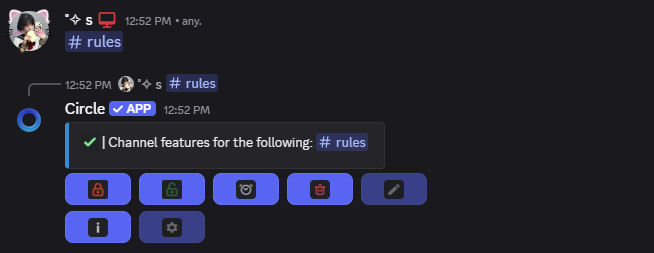
Here's a quick look at some of Circle's commands in action within Discord.
Commands for Everyone

Managing Channels
Moderation Tools

About Permissions
Circle needs some basic permissions to work, but things like kicking or banning are optional – you decide what it can do.
What We're Working On
See what's new and what's coming next for Circle. We're always tinkering and improving things!
Right Now We're:
- Currently developing features for anti-spam, anti-invite, and profanity filtering.